How to choose an ergonomic office chair for prolonged work in front of a computer?
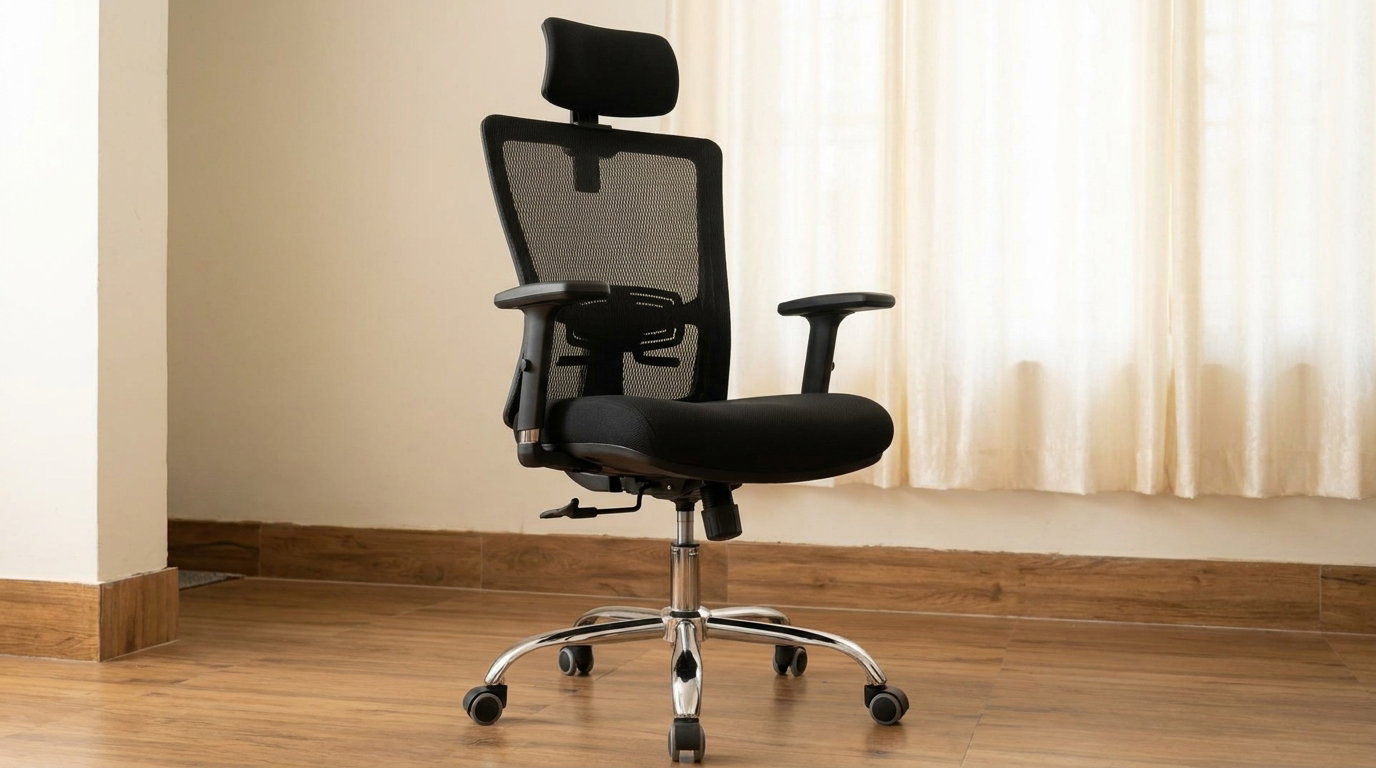
The modern work era presents us with a daily physical challenge: long hours of sitting in front of a computer screen. For many, this is 8 hours a day or even more, so the chair we sit on has great significance far beyond design and appearance. Choosing an ergonomic office chair is first and foremost a choice that affects comfort, posture, and the ability to work throughout the day with concentration and efficiency. A chair that is not suitable for your body structure or work environment may create strain on the lower back, neck, and shoulders and cause fatigue and discomfort during the workday. Therefore, before choosing a chair based solely on its appearance, it is worth getting to know the important adjustments and mechanisms that turn a regular chair into an ergonomic work chair that is suitable for prolonged sitting.
1. Height adjustment and rocking mechanism
The basis for proper sitting begins with the height of the chair. A quality office chair should allow precise adjustment of the seat height, so that the feet are firmly placed on the floor and the knees are at an angle of approximately 90 degrees. If the desk is high and it is impossible to reach the floor comfortably, a footrest can also be incorporated. In addition, it is recommended to choose a chair with a rocking mechanism or a synchronous mechanism , which allows the backrest and seat to move according to the body's movements. The goal is to allow for a change of position throughout the day and not to leave the body in a static position for hours. In advanced models, it is also possible to adjust the resistance of the rocking mechanism according to the user's weight and personal preference.
2. Adjustable lumbar support for lower back
The lower back is one of the most sensitive areas when sitting for long periods of time. Everyone has a different body structure, so it is a good idea to choose a chair with lumbar support , which supports the natural curve of the lower back. In advanced ergonomic chairs, you can adjust the height of the support and sometimes its depth. This option is especially important because support that is in the right place for one person will not necessarily be suitable for another. The goal is for the backrest to support the back naturally and comfortably, without creating localized pressure and without causing the user to bend forward.
3. 3D or 4D adjustable handles
Strain on the neck and shoulders is also affected by the position of the arms while working. Therefore, in a chair designed for long working hours, it is recommended to choose adjustable handles . 3D or 4D handles allow, depending on the model, to change the height, depth, angle, and sometimes also their distance from the body. When the handles are correctly adjusted, the elbows can receive support while working and the shoulders remain in a more natural and relaxed position. It is also important to make sure that the handles allow you to approach the desk comfortably and do not interfere with the position of the chair in front of the computer.
4. Seat depth and width
One detail that is often overlooked is the size of the seat. A seat that is too deep may create pressure behind the knees and make it difficult to fully lean back on the backrest. On the other hand, a seat that is too small may not provide sufficient support. When sitting all the way back and leaning on t